Interactive demo platform
Build demos buyers click. See where they drop.
Interactively Tech turns a product walkthrough into a clickable, data-driven demo with per-step viewer engagement. The free workbench below lets you plan, simulate and script demos.
The tools on this site are free planning and simulation aids that show the thinking behind the Interactively Tech platform.

Funnel Lab
Live: change the numbers, the score moves.
0 -
Starts with an example funnel. Score is a rule of thumb, not an industry benchmark. Open the full lab.
Script Desk
Describe your product, the buyer and the goal. Get a 6 to 8 step demo script with a hook and a closing call to action.
The case in five blocks
Problem
B2B teams lose deals because live demos don't scale and recorded videos are passive. Marketers can't tell which part of a demo a buyer watched, skipped or clicked, so every follow-up is a guess.
Solution
Interactively Tech turns a product walkthrough into a clickable, data-driven demo and reports how each viewer engages with every step. The free workbench lets you plan, simulate and script demos.
Product
This website is a working demo-planning workbench that runs in the browser: a storyboard planner, a funnel simulator, an SVG hotspot grid and three AI assistants. Visitors keep their data only in their own browser.
These tools are planning and simulation aids; they do not track real viewers.
Business model
B2B SaaS with per-seat subscriptions by team size, plus a higher tier for analytics, CRM-style export and branded demo hubs. Free browser tools bring in sales and marketing leads, who then move to paid workspaces.
Vision
Make every product demo a measurable conversation, so any software team can show value at the moment a buyer is curious instead of when a calendar slot opens.
Three steps: Storyboard, Measure, Place
Storyboard
Order steps, set seconds and hotspots, and clear the pacing flags before anything ships.
Measure
Turn views, starts, completions and CTA clicks into an engagement score in the Funnel Lab.
Place
Position hotspots on a mock screen and see where simulated attention lands in the Heat Grid.
The working tools
- 03
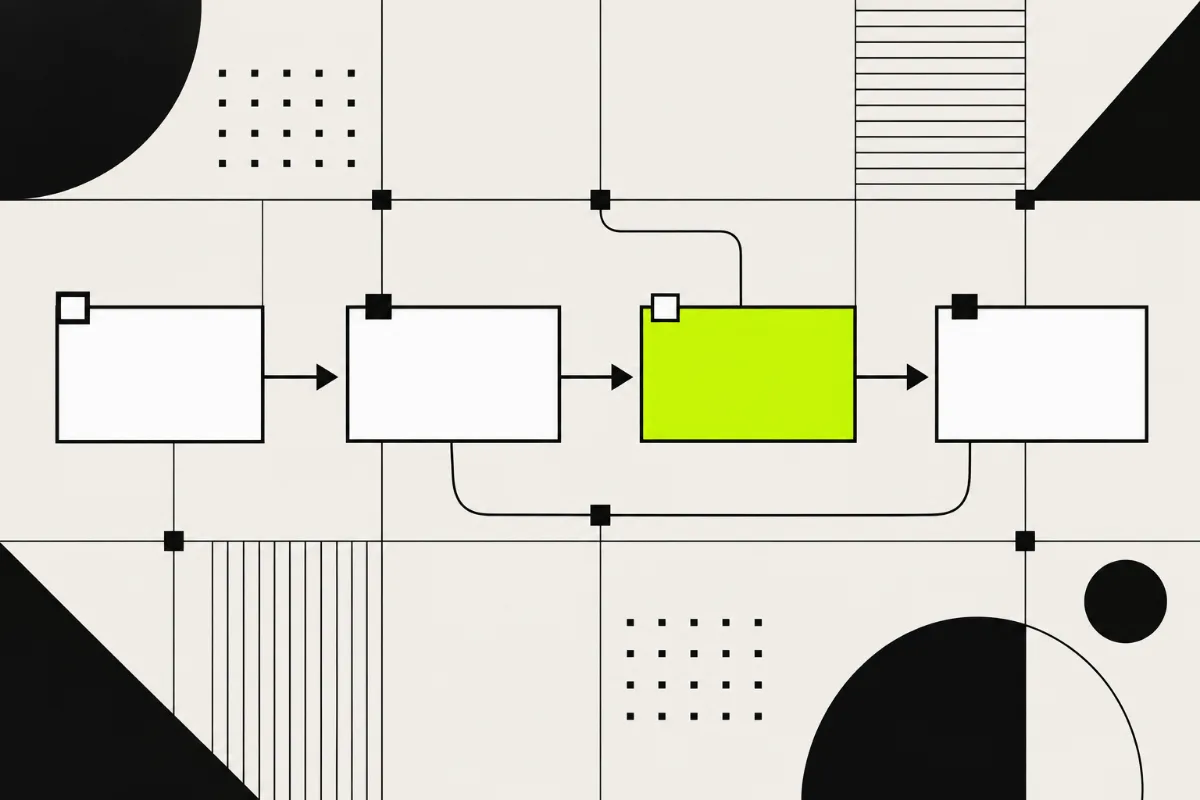
Demo Storyboard
Drag steps into order and check run time, pacing and drop-off risk.
- 04
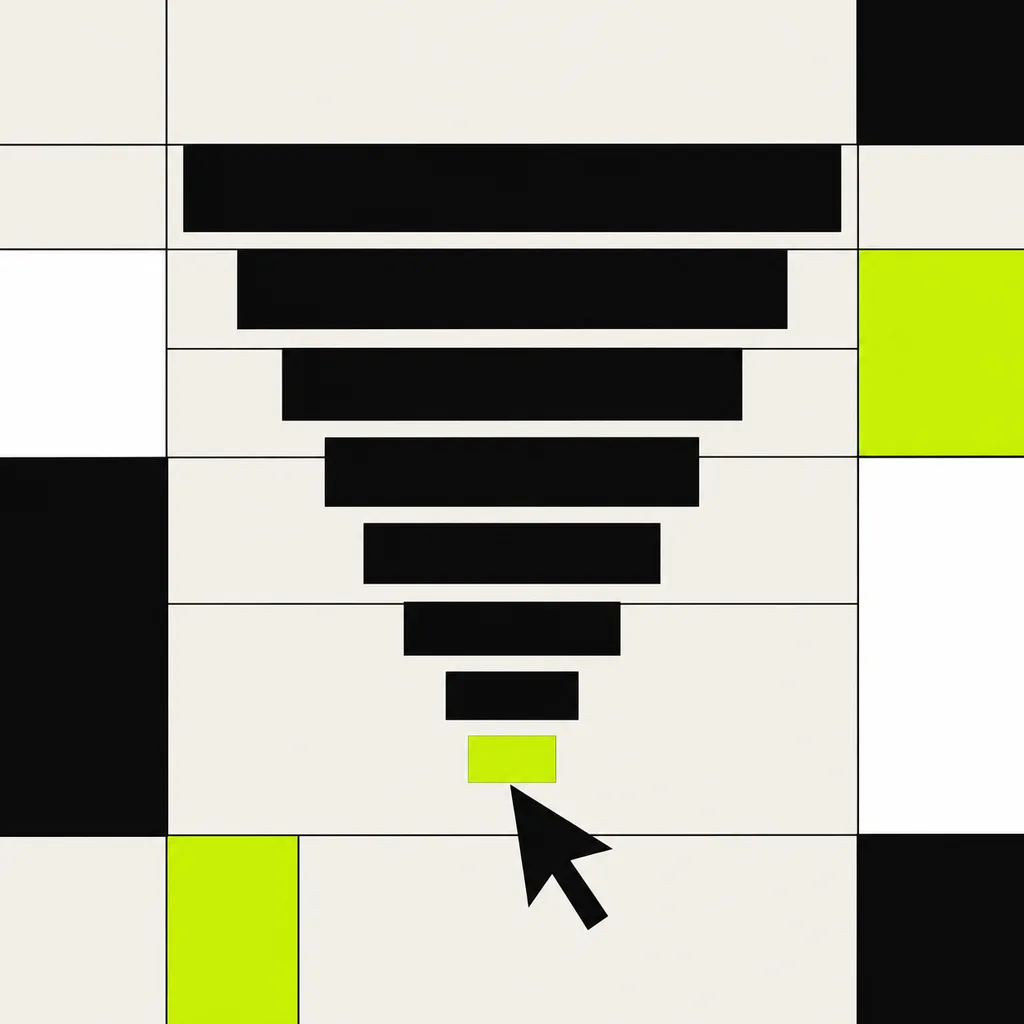
Funnel Lab
Turn views, starts, completions and CTA clicks into an engagement score and a what-if.
- 05
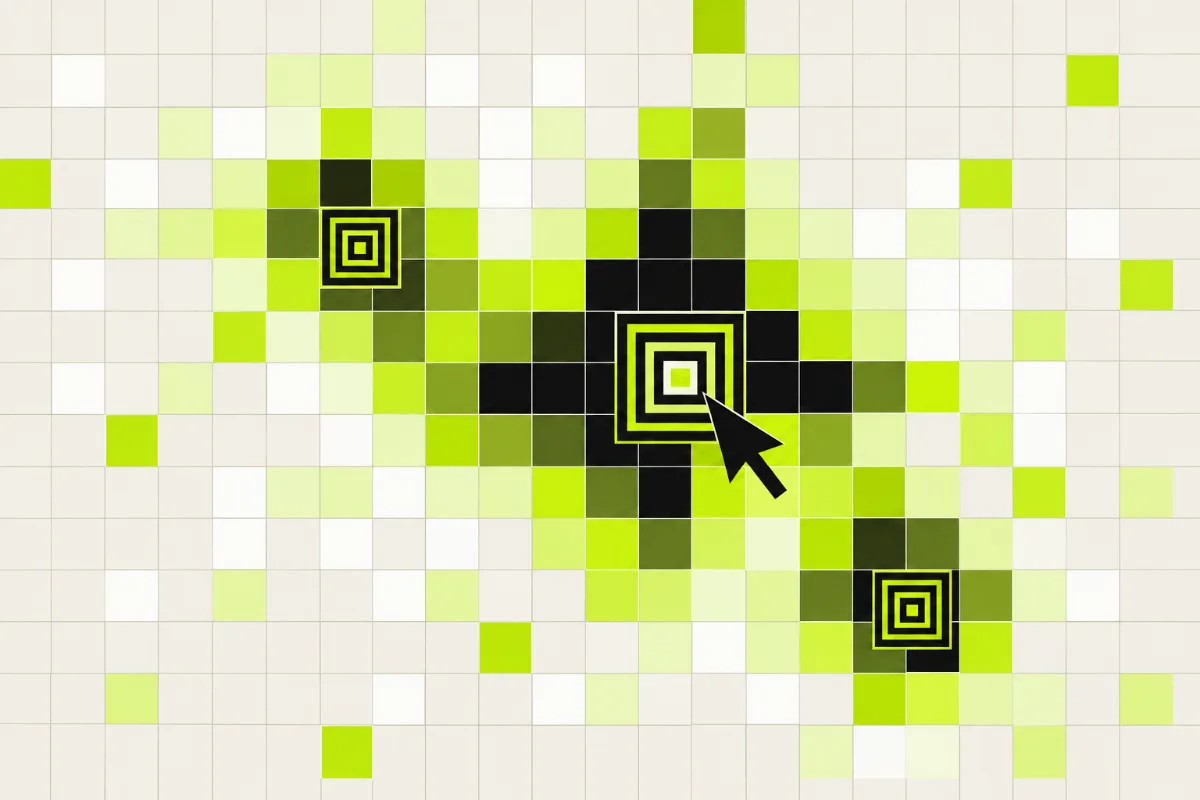
Heat Grid
Place hotspots on a mock screen and simulate where attention lands.
- 06
AI Desk
Script Desk, Insight Desk and Follow-up Note assistants in one place.
- 07
Insight Desk
Paste demo metrics and get the likely problem points and three changes to test.
Example result (not real data): 1. Step 4 loses half of starters; shorten it. 2. CTA appears only at the end; add one at step 3.
- 08
Follow-up Note
Turn what a viewer engaged with into a short note with placeholders.
Example result (not real data): Subject: "Your reporting walkthrough, [Name]". Next step: a 15-minute call this week.
Plans
Every tool on this site is free while Interactively Tech is in early access. Paid workspace plans are coming.
Early access
Free. Storyboard, Funnel Lab, Heat Grid and the AI Desk. Your data stays in your browser.
Join early accessTeam
Coming. Per-seat subscription priced by team size for shared workspaces and interactive demos.
Scale
Coming. A higher tier with analytics, CRM-style export and branded demo hubs.
Roadmap
- Now: browser workbench with three planning tools and three AI assistants.
- Next: shareable clickable demos with per-step viewer reports.
- Then: team workspaces, CRM-style export and branded demo hubs.